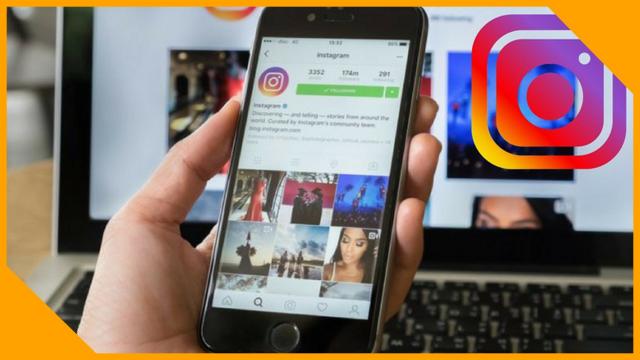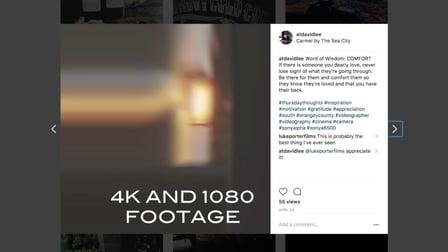
Thinking about upping your social media game with Instagram? Great idea! Oh but wait, doesn't IG only display in 1:1 ratio? What happens to my timeline and project settings if I shoot 4K? Is 1080P still good? There's a lot that goes into a solid and quality IG video that you wish to share for personal or professional use. What i'll show you in this course are "The 5 things you need to know" about editing videos for IG for the best viewing quality.
Here's a break down of what we'll cover!
#1: 4K vs 1080P recording and which is "Optimal"
#2: Composing your shots for IG
#3: Project settings including resolution and rendering codec
#4: Cropping multiple clips to remove black bars from the top and bottom
#5: Final export settings for IG crop AND full frame video i.e, Facebook, YouTube, Vimeo etc.
BONUS: How to use relevant hashtags to get your video seen on Instagram. No plugins or external sources needed.
I invite you to try a new approach to your next or first Instagram video! If you normally shoot in day time, shoot a scene at night. Do you normally shoot landscapes? Why not try going into a public area with people, pets and families!
It's okay to get out of your comfort zone and try something new! With a new pair of "lenses" you'll be able to capture moments you may not have had been able to before. Take the footage you shot and start cropping it down to fit the right width and height for your needs in full resolution and then play around with switching your project settings to 1080x1080.
Have fun and always remember,
"It's about the journey, not the destination"