Mastering Final Cut Pro (Coursera)

Offered by LearnQuest,
Mastering Final Cut Pro (Coursera)

This course unravels the post-production world for editors. Students will dive into the key features of Apple’s Final Cut Pro software for Video and Audio Editing and learn elements for creating professional videos with the use of transitions and effects, titles and motion graphics, color correction, 360 Video and Media Management.

Class Deals by MOOC List - Click here and see Coursera's Active Discounts, Deals, and Promo Codes.

This self-paced course prepares students to pass the Final Cut Pro X certification exam. Learn at your own pace, retake the lessons as needed, and practice alongside the Apple Certified Trainer.
We recommend that you have a basic understanding of macOS, video terminology and while not required, experience with video production and workflow is helpful.
This course was developed by LearnQuest in association with two highly experienced Apple Certified Trainers and editors.

What You Will Learn

  • Create and edit video using Final Cut Pro
  • Import and export project files for collaboration and archive
  • Follow editing scenarios to create a project and edit videos
  • Apply effects and transitions, and change the timing of clips

Syllabus

WEEK 1
Introduction, Import and Organize
In this first module, we will learn the basics of navigating the Final Cut Pro X (FCPX) interface, importing media, and getting it organized and ready to edit.

WEEK 2
Video Editing
In this module, we will learn how to edit a rough cut quickly and efficiently in FCPX. We will also cover how to begin refining your rough cut.

WEEK 3
Audio Editing
In this module, we will discuss all things audio including creating a simple mix, adding effects to improve challenging audio issues, and adding voice-overs.

WEEK 4
Transitions, Effects and Transforming
In this module we will add and manipulate transitions, add both practical and creative effects to our clips, and learn about adjusting transform properties.

WEEK 5
Titles and Motion Graphics
In this module, we will learn how to add dynamic titles to our projects and even take a peek at FCPX’s sibling software, Motion.

WEEK 6
Color Correction
In this module we will dig into color correction, learning how to read video scopes to assess an images’ needs and then how to alter clips for both practical and creative purposes.

WEEK 7
Media Management, Exporting and Interoperability
Nearing the end of the workflow, we will look at all the different ways to get your project out of FCPX, from sharing to social media to exporting master files to your hard drive to sharing active projects with fellow editors.

WEEK 8
360 Video
In this module, we will explore FCPX’s 360-degree video capabilities. We’re learn important concepts of 360-video, how to set up a timeline and some unique effects and transitions for 360-media.

Go to Class
MOOC List is learner-supported. When you buy through links on our site, we may earn an affiliate commission.

Related Courses

Green Screen or Chroma Key Effect for Beginners | DaVinci Resolve 16 (Skillshare) Skillshare
Skillshare

Green Screen or Chroma Key Effect for Beginners | DaVinci Resolve 16 (Skillshare)

Learn how to create your first video with the Green Screen Effect also known as Chroma Key Effect with the World's best, free, intuitive, yet advanced Video Editor - DaVinci Resolve 16. Why spend hundreds of dollars a year to do Beginner to Professional Video Editing, when you can do it for free with DaVinci Resolve. For those who are interested in DaVinci Resolve and haven't created their first video yet, I suggest you just GO AND DO IT! So you have your first experience doing actual creation. That to me is the best way to learn.

Self Paced
Self-Paced
A Blueprint for Success – Your Video Pre-Production (Coursera) Coursera
University of Colorado Boulder

A Blueprint for Success – Your Video Pre-Production (Coursera)

In this course, we will learn about pre-production, which requires levels of planning before you ever pick up a camera. We will share with you the terminology used widely in production work, along with our ideas for affordable camera gear and editing applications. We’ll also discuss strategies to help you generate story ideas and the focus, find characters, write treatments and scripts, draw storyboards, and even pointers on how to pitch your stories.

Aug 17th 2026
3 Weeks
Low-Budget Video Production: Visual Communication for Small Charities (FutureLearn) FutureLearn
The Open University

Low-Budget Video Production: Visual Communication for Small Charities (FutureLearn)

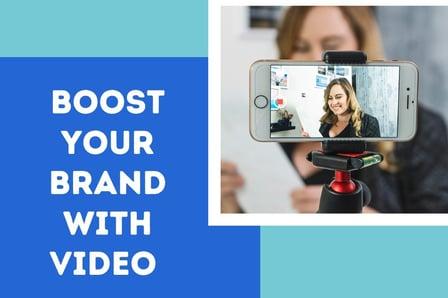
Understand how video can expand and enhance your organisation’s communications and develop practical skills for your productions. Learn how to produce your own low-budget video to convey your charity’s message. Small charities understand that to compete in a tough economic climate they should engage with digital media and video content. But a lack of staff, time, knowledge and resources can get in the way. This practical video production course is designed to bridge that gap and help small charities develop the skills they need for successful video production.

Self Paced
4 Weeks
How To Color Grade Footage & Create Custom Video LUTs in Premiere Pro CC For Beginners (Skillshare) Skillshare
Skillshare

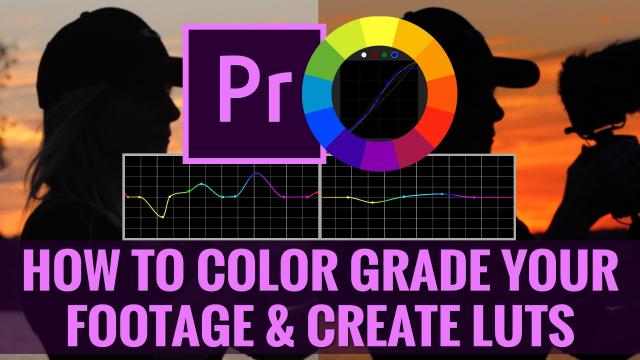
How To Color Grade Footage & Create Custom Video LUTs in Premiere Pro CC For Beginners (Skillshare)

Welcome to this beginners class on How To Color Grade Your Footage & Create Custom Video LUTs in Premiere Pro CC! Almost every big-budget feature film has been color graded to look a certain way, and in recent years, it's become increasingly easy to color grade your own footage using popular video editing software!

Self Paced
Self-Paced
How to Create Video for Online Courses (FutureLearn) FutureLearn
University of Edinburgh

How to Create Video for Online Courses (FutureLearn)

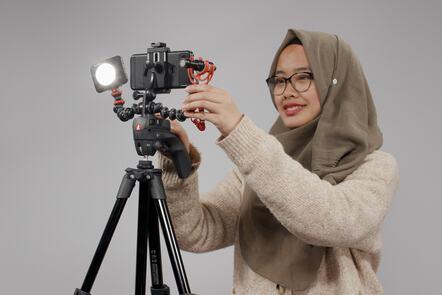
Discover tools and techniques to plan, film, and edit high-quality videos for online learning. Learn how to create effective and engaging educational media. Increasingly, as education pivots online, educators are looking to filmmaking as a way of creating new and exciting content. On this two-week course from the University of Edinburgh, you’ll learn how to turn your mobile phone into a full-featured video production suite to create effective and engaging online course videos and media.

Self Paced
2 Weeks
VR and 360 Video Production (Coursera) Coursera
Google AR & VR

VR and 360 Video Production (Coursera)

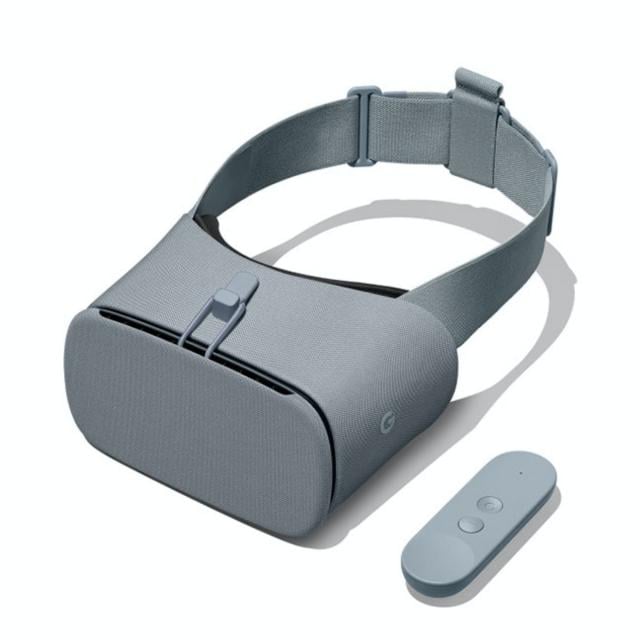
Welcome to Daydream Impact Virtual Reality (VR) and 360 video production course! Our mission is to give you the skills needed to use VR to advocate for a cause and communicate your mission. This course will introduce you to Virtual Reality (VR) and 360 video production, guiding you through a step-by-step process to create VR content. To begin, we recommend taking a few minutes to explore the course site and review the material.

Aug 17th 2026
4 Weeks
How To Make Footage Cinematic In Premiere Pro CC For Beginners (Skillshare) Skillshare
Skillshare

How To Make Footage Cinematic In Premiere Pro CC For Beginners (Skillshare)

Welcome to this free class on How To Make Footage Cinematic In Premiere Pro CC. In this class we will cover some of the in camera techniques required to capture Cinematic looking footage, but the majority of the course will be focused on techniques and workflows you can use while editing to make your footage look more cinematic.

Self Paced
Self-Paced
Editing for Instagram - FCPX (Skillshare) Skillshare
Skillshare

Editing for Instagram - FCPX (Skillshare)

Thinking about upping your social media game with Instagram? Great idea! Oh but wait, doesn't IG only display in 1:1 ratio? What happens to my timeline and project settings if I shoot 4K? Is 1080P still good? There's a lot that goes into a solid and quality IG video that you wish to share for personal or professional use. What i'll show you in this course are "The 5 things you need to know" about editing videos for IG for the best viewing quality.

Self Paced
Self-Paced
Premiere Pro CC Basics In 40 Mins: Free For Beginners Crash Course (Skillshare) Skillshare
Skillshare

Premiere Pro CC Basics In 40 Mins: Free For Beginners Crash Course (Skillshare)

Welcome to Premiere Pro CC Basics In 40 Mins: For Beginners Crash Course! In this crash course, I will walk you through how to: Open Premiere Pro and create a new project; Move the panel windows to create a custom layout; Import footage and music; Create a sequence for video editing; Perform basic editing functions such as trim, cut, time stretch, and move clips; Separate audio from footage; Understand the timeline layers; Pick selects and assemble a rough cut; Time your edit to music; Perform basic zoom in and position animations; Create titles; Color correct footage; Apply the crop effect; Export to a final video.

Self Paced
Self-Paced