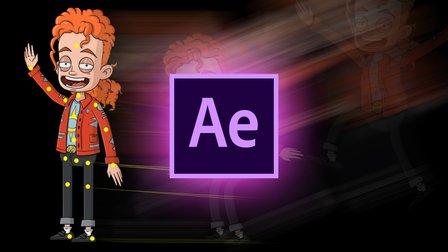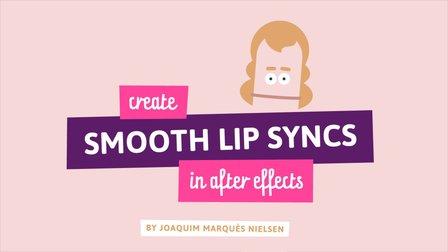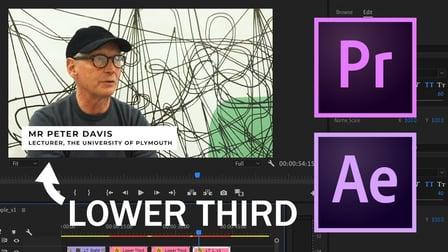
In this tutorial I will show you create a basic lower third. Lower thirds are useful graphics for displaying short text in videos like a names and job titles. I will show you how to create this graphic in Adobe After Effects and also show you how to render it as a motion graphics template to be used in Adobe Premiere so you can update the text and easily create a new lower third without having to go back into After Effects.
Project Description
If you're making a lower third for a business or client, try matching the lower third graphics to the organisations brand guidelines. For example, look at the primary colours the company uses in their branding and use that in the font colour and background colour of the lower third.
Go to Class
MOOC List is learner-supported. When you buy through links on our site, we may earn an affiliate commission.