FREE Photoshop Class - Mirror Illusion (Skillshare)

Offered by Skillshare,
FREE Photoshop Class - Mirror Illusion (Skillshare)

In this class you'll learn how to take two different images and blend them together to make an amazing mirror illusion. This class is great for beginners as it teaches you the importance of layer masks and how to create amazing effects without getting caught up in all of Photoshop's tools.. Join Brandon (me) in this fun, laid back class.

Project Description
Take the skills you learned in this class and create you own mirror illusion. Feel free to put your own spin on it. Maybe try on different clothes or use a puddle instead of a mirror. Just remember to have fun with it.
Upload the final image. If you want, show the class the two separate images you took to make your final illustration.

Go to Class
MOOC List is learner-supported. When you buy through links on our site, we may earn an affiliate commission.
Related Courses

Kickstart your Creativity: Introduction to Mood Boards (Skillshare) Skillshare
Skillshare

Kickstart your Creativity: Introduction to Mood Boards (Skillshare)

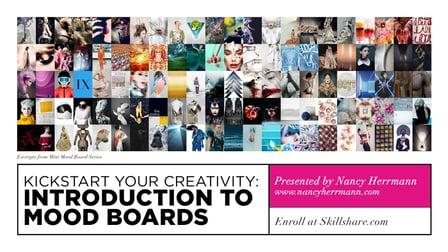
The ability to create a compelling mood board is an incredibly useful skill, whether you’re a designer, photographer, dancer or writer. It will kickstart your creative thinking and help you sell your ideas to clients. Join creative director, Nancy Herrmann in this self-paced class as she guides you through her step-by-step process for transforming random ideas into a professional quality presentation.

Self Paced
Self-Paced
How to create watercolor digital sticker pack in Procreate + free brush (Skillshare) Skillshare
Skillshare

How to create watercolor digital sticker pack in Procreate + free brush (Skillshare)

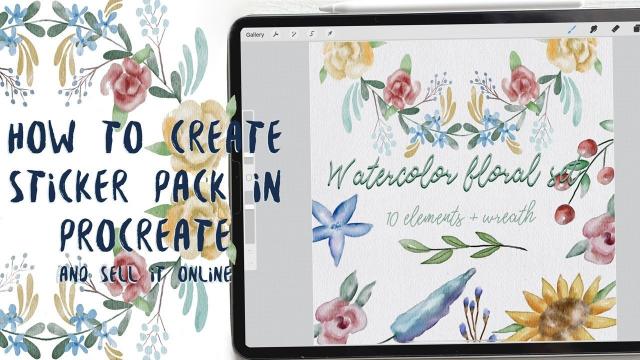
Today I will teach you: how to create your own digital sticker pack that you can sell on different art platforms; how to save watercolor picture with transparent background (how to separate your painting form textured background); How to create cover picture for your sticker set and how to locate different elements on the canvas in a beautiful way; how to paint flowers in watercolor style; how to create texture paper; How to be ready for selling your own pictures.

Self Paced
Self-Paced
Stylized Hand Painting in MAYA for Mobile Devices (beginners) (Skillshare) Skillshare
Skillshare

Stylized Hand Painting in MAYA for Mobile Devices (beginners) (Skillshare)

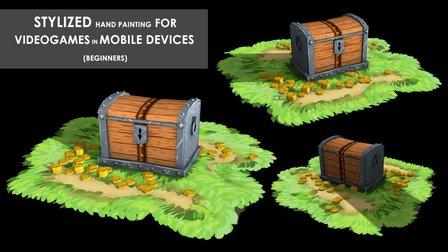
This is a FREE hand painting training for beginners. You will learn the traditional hand painting techniques for Stylized art. We will texture our asset in 2d. Which software is required? Maya 2019 and adobe photoshop. What you will learn? We are going to cover a lot of topics starting with modeling simple low poly assets, uv mapping or unwraping, texturing, hand painting techniques, ambient occlusion maps and more.

Self Paced
Self-Paced
Learn to Use Canva: The Easy, Effective Design Solution for Non-Designers  (Skillshare) Skillshare
Skillshare

Learn to Use Canva: The Easy, Effective Design Solution for Non-Designers (Skillshare)

Demystify graphic design! Join educator and designer Lisa Larson-Kelley for this 25-minute class on the ins and outs of Canva, the friendly design software that makes graphic design easy, accessible, and effective. These short video lessons cover some basic conceptual approaches to layout, text, and shape. Then, you can put them all into action as you design your own invitation in Canva.

Self Paced
Self-Paced
How to draw watercolor recipe in Procreate - digital illustration + free brush (Skillshare) Skillshare
Skillshare

How to draw watercolor recipe in Procreate - digital illustration + free brush (Skillshare)

Today I will teach you: how to draw recipe in watercolor style, where we will combine actually watercolor and pencil together; how to locate receipt elements on the canvas in a beautiful way; how to create texture paper; How to add decorations; where to get reference pictures that you can use for commercial and personal purposes.

Self Paced
Self-Paced
Packaging Design: Sketching Concepts That Surprise and Delight  (Skillshare) Skillshare
Skillshare

Packaging Design: Sketching Concepts That Surprise and Delight (Skillshare)

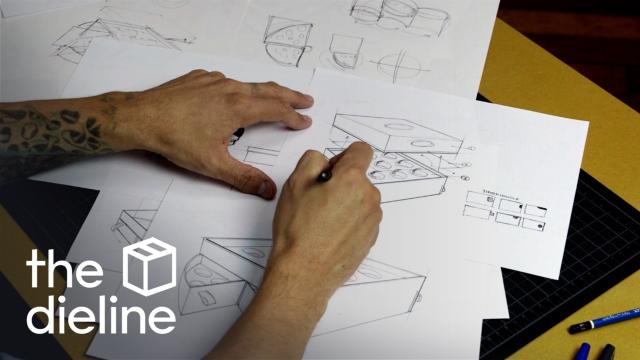
Join Evelio Mattos — editor in chief of beloved packaging design blog The Dieline — for a hands-on, one-hour class that gets to the heart of crafting packaging for real-world products! Creators, makers, and designers of all levels will love learning how to sketch an "unveiling experience" — unlocking the skills to get ideas down on paper and convey form, function, and features in a retail space.

Self Paced
Self-Paced
3D Printing: Solving Problems Through Product Design  (Skillshare) Skillshare
Skillshare

3D Printing: Solving Problems Through Product Design (Skillshare)

Invent your very own product! Join Lauren Slowik (Design Evangelist, Shapeways) to create a 3D printed object that solves a problem in your morning routine. She takes you through the steps of identifying an everyday problem, sketching a solution, making a simple 3D digital rendering, and printing your final product. Lauren shares how she iterates and evolves her plans to get the design just right — all so you can do it, too.

Self Paced
Self-Paced
Design A Book Cover - Graphic Design Basics (Skillshare) Skillshare
Skillshare

Design A Book Cover - Graphic Design Basics (Skillshare)

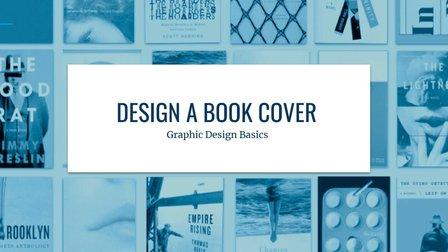
Have fun designing a book cover! Sharpen your design skills and play with how to arrange and scale visual elements to catch the eye. This class includes three lessons, each lesson includes an overview of a core visual principle and inspiration examples from award winning book covers. Students will have a chance to use each principle themselves in a book cover design.

Self Paced
Self-Paced
Easy Photo Editing for Social Media: Profile, Product, and Cover Photos in PicMonkey (Skillshare) Skillshare
Skillshare

Easy Photo Editing for Social Media: Profile, Product, and Cover Photos in PicMonkey (Skillshare)

Learn how to edit a photo from good to great without ever touching Photoshop! PicMonkey's Jenn Reiner is here to share all the easy essentials of photo editing. What: In this easy-to-follow class, you'll learn tips and tricks for photo retouching, resizing, collaging, watermarking, and more. Every bite-sized lesson include tips, demonstration, and ways to use your new photos on social media and beyond.

Self Paced
Self-Paced