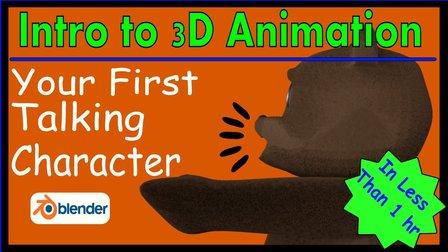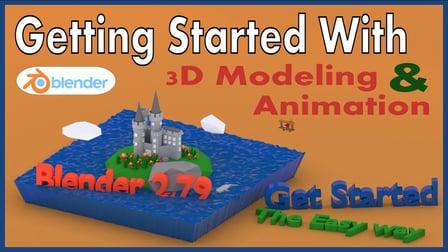
This class is the easiest and quickest way to learn the most important skills you'll need to make your first 3D models using Blender 2.79. You'll learn how to use one of the most powerful and popular 3D software tools in the world. This is all done with the absolutely free Blender 3D software.
At the end of the class, you'll be able to model objects from your own imagination and animate them.
This class focuses on getting you started as quickly as possible and covers only what you need to get started. If you're interested in the fundamental aspects of modeling and animation, check out my other class.
This class does not assume any prior knowledge. You simply need a reasonably up to date computer. It can be Mac, PC, or Linux.
Start by downloading and installing Blender here.
Project Description
Your first project will be to create a castle using what you know. You don't have to create a castle but that's what I did, and you can follow along with me in my follow-along video. Feel free to create whatever your heart desires even if that's not a castle.
The next project will be to animate something you've created. This time I used a plane that I modeled but you can use a model of your own or you can just use a block.
Also, if you have trouble remembering Blender speed keys, I've also included a cheat sheet that you can download. It's located in the resources part of the class project section.