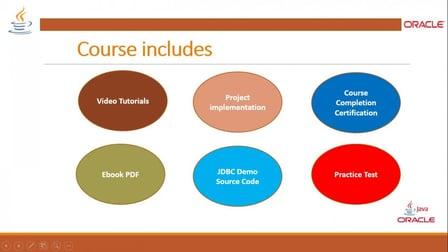
JDBC API tutorial will help developer to make JAVA application to access Oracle 11g Database. This course is divided into two parts , BASIC and ADVANCE. This course is the Basic where we are going to learn all about JDBC API in detail. Here, we will show you demonstration, execution, examples and practice projects for HOMEWORK for hands-on experience.
What you’ll learn
- Easy to connect and maintain database and use it in any front end scripting language
- Example and demonstration of database access using Java programming
Make a Java application and create class with methods to implement CRUD operations in Java project.
Thanks for all you to participate and enrolling this course. I hope this will help you to learn Basic JDBC API in detail. Today, I would like to introduce you a practice project to get hands-on experience in JDBC API implementation.
Project : ONLINEFLORIST
STEP - 1 Database Design ONLINEFLORIST table has username varchar2(30), password varchar2(30), to_address varchar2(20), from_address varchar2(20), price number(10), number_of_flowers number(10), date_of_order date ,date_of_birth date ,message varchar2(100),email_address varchar2(30).
STEP -2 For testing , insert into statement to insert values in the table
STEP 3 for implementation, make Java project, and add classes12.jar library in your projecty by JAVA buildpath in EClipse IDE
STEP 4 make class OnlineFlorist, implement methods to connect database , follow chapter-3 JDBC Connection type -4
STEP 5 make methods to implement CRUD refer to Chapter 5 CRUD implementation
STEP 6 Execute Java Application