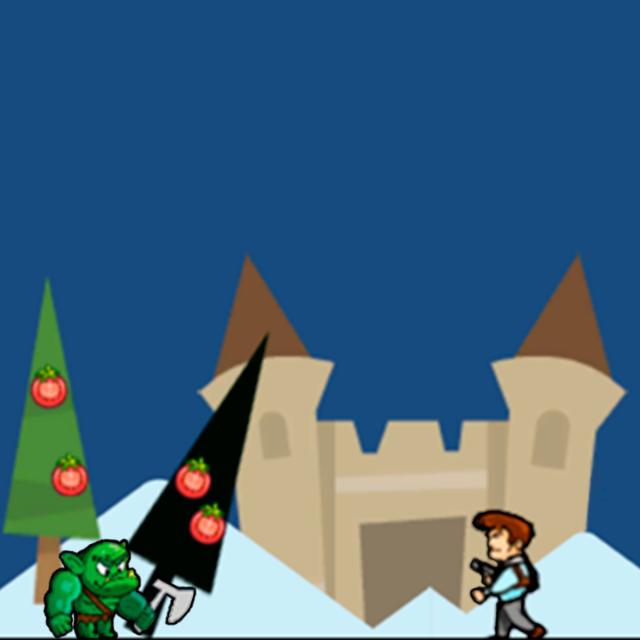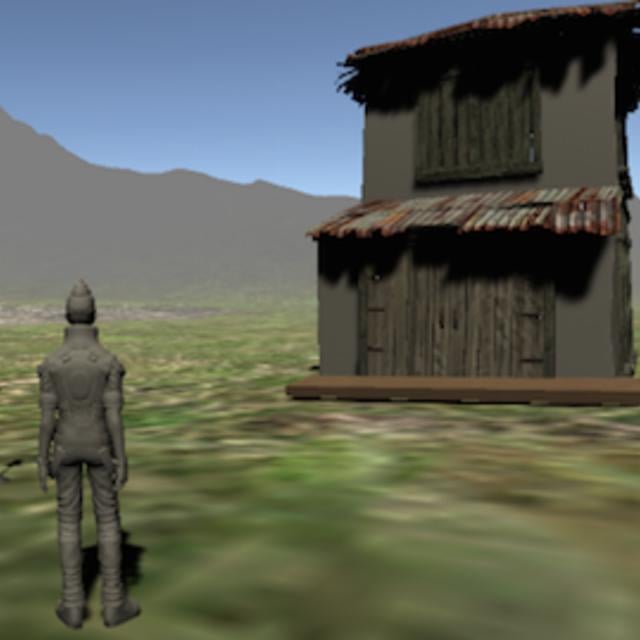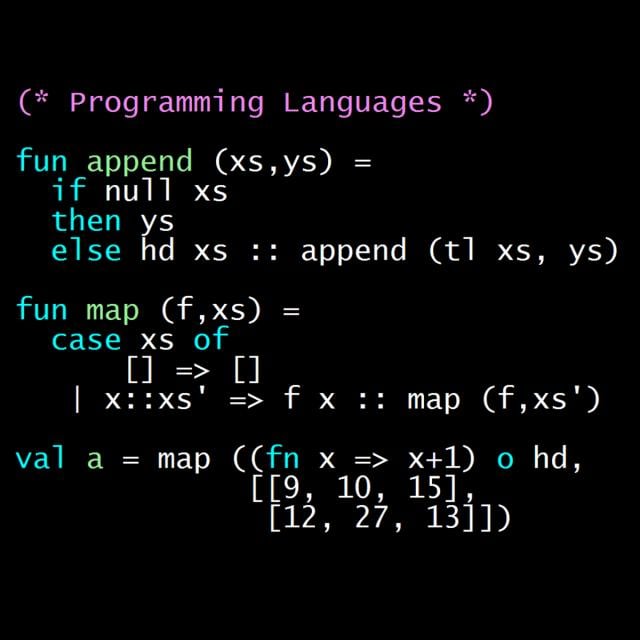
This course prepares you for a career using AR in the entertainment world. You will learn how AR is used to create games in mobile apps, and you'll learn about a specific AR development tool, Unity.
Class Deals by MOOC List - Click here and see Coursera's Active Discounts, Deals, and Promo Codes.
By the end of this course, you will be able to:
- Install the Unity Hub and Unity Editors.
- Create and manage Unity projects.
- Explain the essential features of the Unity Editor and their functionality.
- Create and manage scenes in Unity.
- Use the scene view to navigate in an AR space.
- Describe how object-oriented programming is used in C#.
- Install and configure C# for Unity.
- Optimize content in Unity.
- Write and debug simple Unity scripts.
- Identify asset management and version control (GitHub) best practices.
- Edit a 3D game object in Blender.
- Edit, import, and animate 3D content into a project in Unity, including rigged animations.
- Set up a simple animation for a game object.
To be successful in this course, experience with object oriented programming and basic web development is needed. JavaScript is a plus but not required. We recommend completing the previous courses in the program so you can build on the knowledge and skills from those courses here.
Course 4 of 7 in the Meta AR Developer Professional Certificate.
Syllabus
WEEK 1
Introduction to Unity
In this module, you will learn about working on AR gaming projects and career opportunities in the AR gaming world. You'll also get to try using Unity for AR development.
WEEK 2
Asset creation and player controls
This module introduces you to assets creation and player controls. You'll get to experiment in Unity as you work on a racing game.
WEEK 3
C# basics in Unity
In this module, you'll learn the basics of C# and how it's used in Unity. You'll try your hand at basic C# coding within Unity.
WEEK 4
C# and basic gameplay
In this module, you'll use C# coding for basic gameplay. You'll get more hands-on experience with C# in Unity AR games.